Ideas brought into context
A closer look at the work.
Explore illustrative project stories: the starting point, the thinking behind the approach, and the details that bring it together.

A Connected Workflow
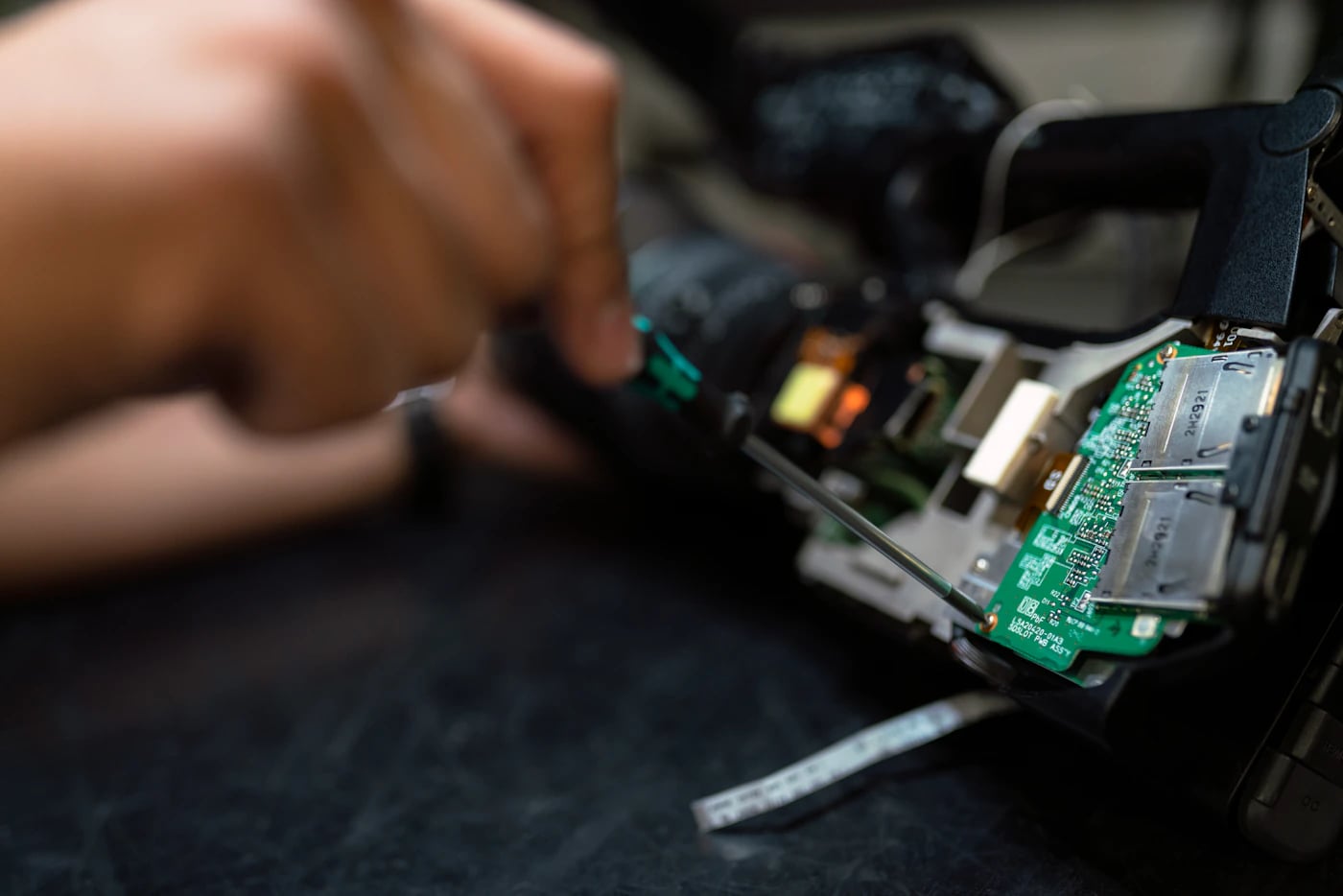
Detail at Every Stage
All projects in this pilot are fictional demonstrations. They do not represent completed installations or client engagements.
How to read a project
The thinking behind the work.
Establish the requirements
Bring the operating context, interfaces and known constraints into a shared brief. Keep assumptions distinguishable from confirmed inputs.
Review the fit
Discuss the proposed scope with the appropriate technical people before a recommendation is treated as approved for an application.
Keep documentation connected
Record the agreed information, open technical questions and the documents required for the next stage of assessment.
Different contexts. The same care.
Made for your world.
Manufacturing applications
Manufacturing enquiries often involve a relationship between an existing process and a proposed change. Describing that relationship helps a supplier understand the operating context and identify the technical questions that need attention.
System integrators
An integration brief should make boundaries, interfaces and responsibilities understandable to everyone involved. Begin with the intended function and the existing systems, then identify which requirements are confirmed and which still need assessment.
Something
in mind?
Tell us about your context, your priorities and what you would like to make possible. We’ll help you explore the next step.
Start a conversation ↗