← All perspectives

Plan the interfaces before the equipment.

A useful system brief explains how each element connects to the work around it.

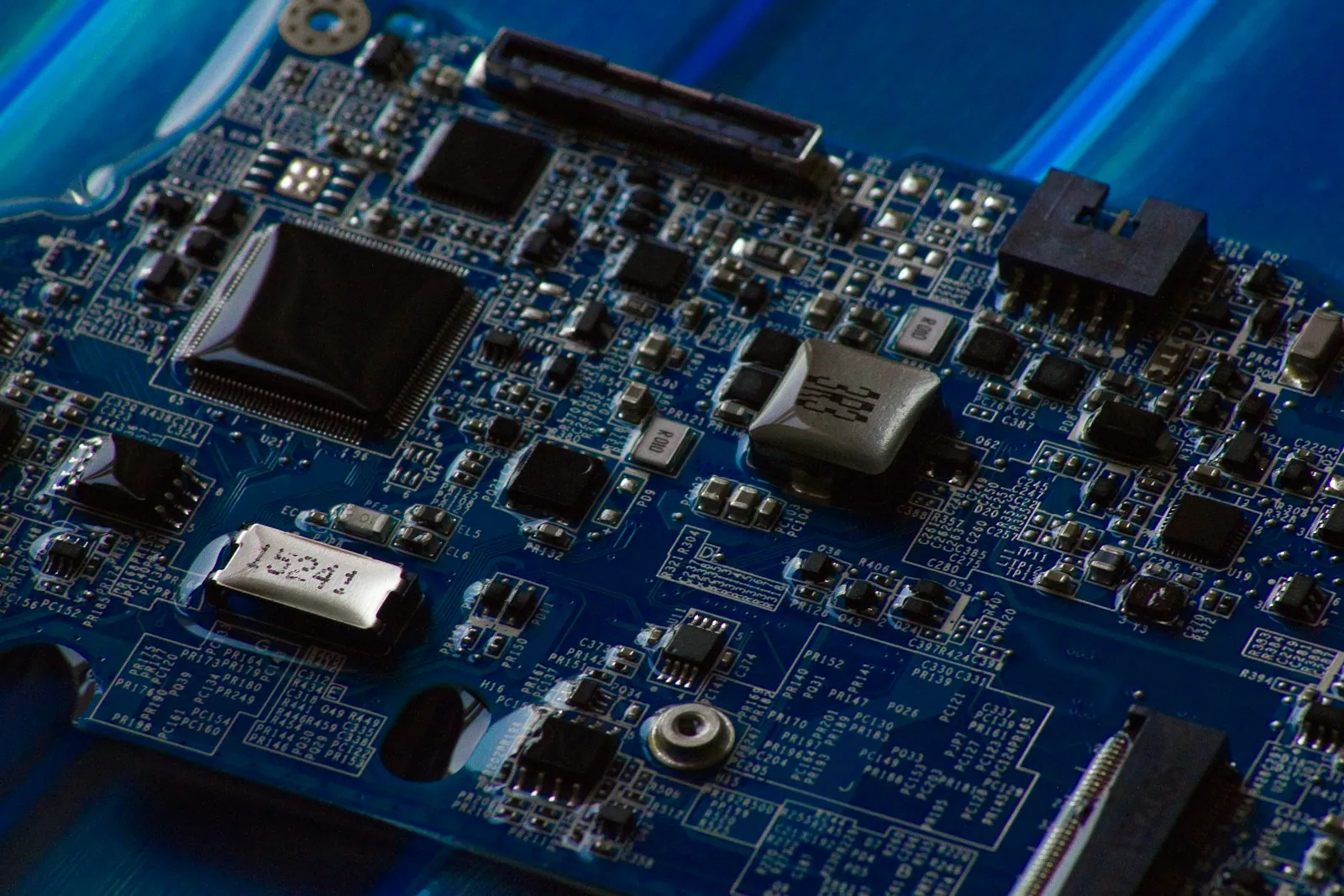
A close view of electronic components on a blue circuit board

Start at the boundaries

An individual item can meet its specification and still be a poor fit for the wider system. Begin with the mechanical, electrical and operational interfaces around it.

Record the information available for each interface and who is responsible for confirming it. Existing drawings, operating conditions and access constraints are useful starting points.

Describe what has to work together

Document the handoffs between equipment, systems and people before narrowing the selection.

  • Identify physical and control interfaces.
  • Clarify operating and maintenance access.
  • Agree the documents needed for technical review.
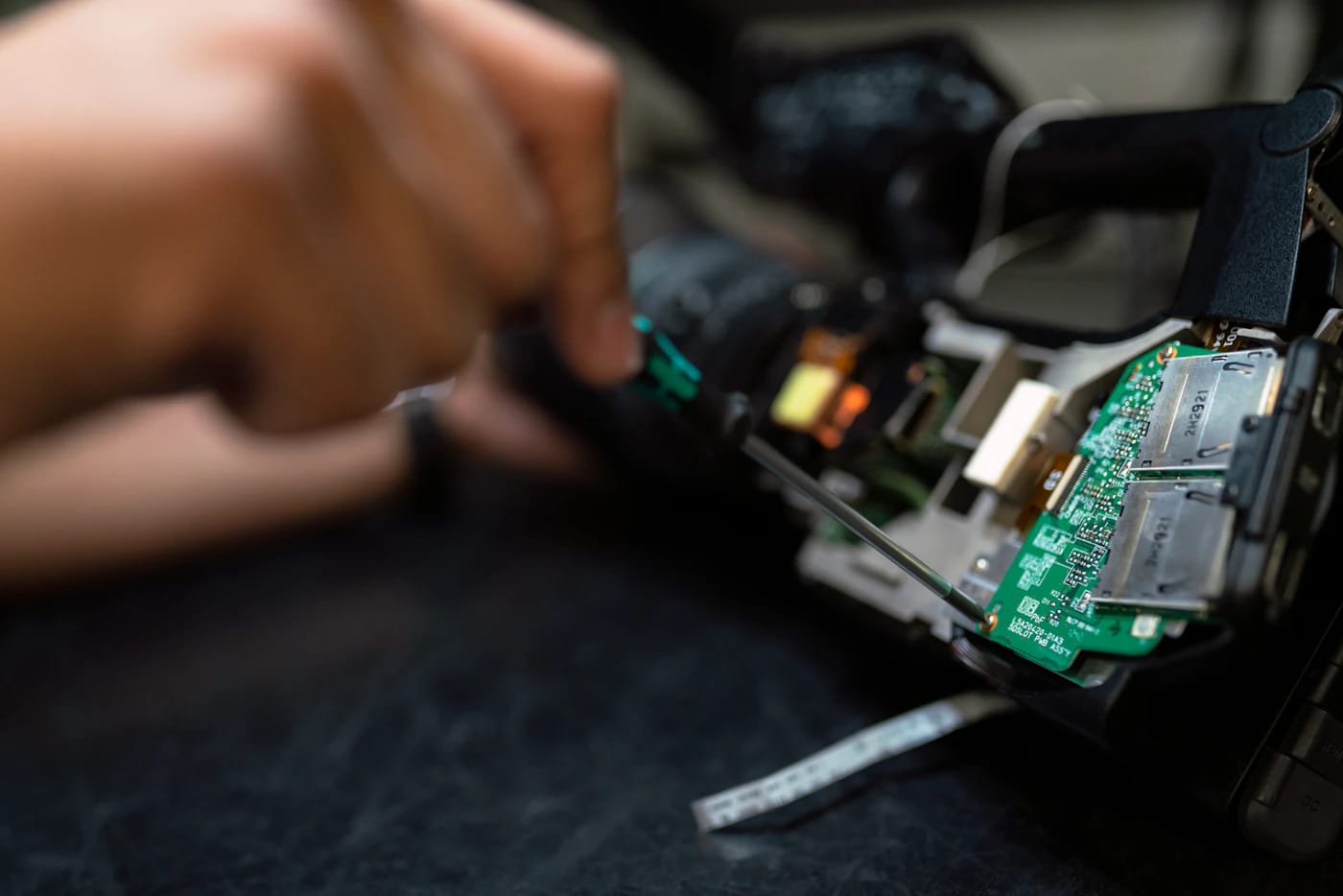
Electronic equipment being assessed at an engineering workbench
Technical requirements connect the component with its operating context.

Leave a usable next step

A useful review separates confirmed inputs from open questions, then assigns the work needed to resolve them.

A thought to explore?

Let’s talk about it

Keep exploring.

Clenoir / Cleverus

A considered system.
Your own character.

Explore three illustrative businesses built with the same page templates. Choose an industry sample, then explore its colours and typography. Vector and Stratum are demonstration brands within the Clenoir family.

Colour palette

Four considered palettes. Choose any for this sample.

Typography

Three free-font pairings, selected to keep the Clenoir character.

Carbon & Silver / Architectural

Good design.
Your character.

A different mood. The same considered foundation.

Free fonts · Self-hosted · Commercial use under SIL OFL.
Your choices follow you between samples in this browser session.

Preview: Carbon & Silver, Space Grotesk with DM Sans.
Explore this edition in motion View the page family and design system Explore all Cleverus templates